Worktrees are great for isolation, but sometimes you need to run your whole dev stack against a task’s changes: the dev server, the watchers, the integration tests, all the things wired to your main checkout rather than an isolated checkout. Spotlight does that by mirroring one task into your main checkout, and it does it without the footgun that this feature usually comes with.
What Spotlight does
Turn Spotlight on for a task and Termic keeps your main checkout in sync with that task, across three layers:
- Committed changes on the task’s branch.
- Uncommitted edits in its working tree.
- Untracked files, honoring
.gitignore.
A background watcher re-syncs within a couple of seconds whenever files change in the spotlighted task, so the main checkout always mirrors what the agent is doing. Now your dev server (running at the main checkout, where it expects to be) sees the agent’s changes and reloads through your own watch setup.
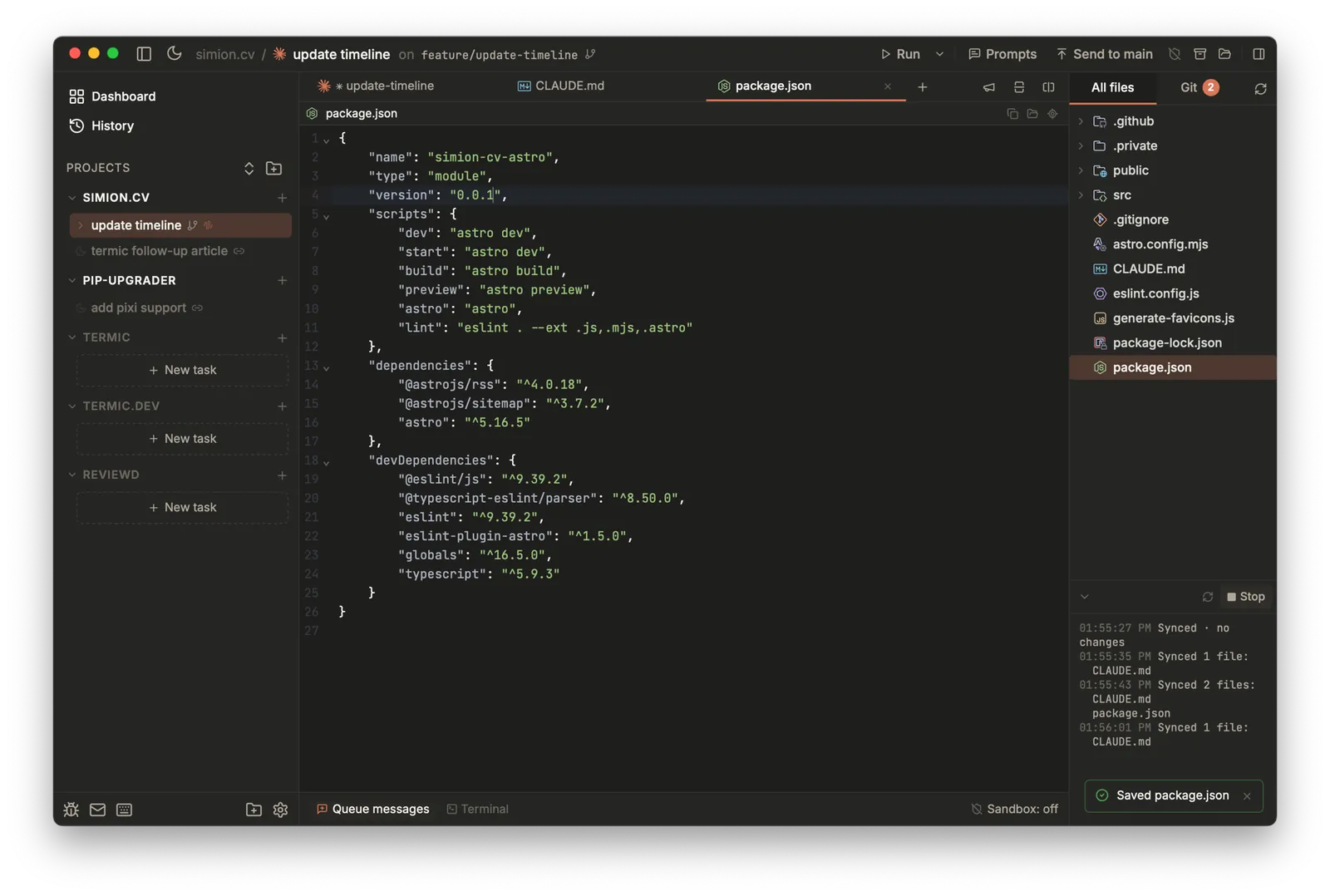
A task with Spotlight active. The panel (bottom right) tracks the sync state; Run executes at the main checkout against the synced files.
Why Termic’s Spotlight is safer
This is the part worth reading carefully, because it’s a real difference from how Conductor implements the same idea.
Conductor’s equivalent creates a checkpoint commit on your currently checked-out branch. If its cleanup doesn’t run (a crash, a force quit, a power loss), your branch is left permanently advanced with a leftover commit you have to find and undo.
Termic never writes a commit onto your branch. It checks out the task’s commit at the main checkout as a detached HEAD, so your branch ref never moves. The consequences:
- Normal operation leaves zero commits behind.
- A hard crash leaves only a harmless detached
HEAD, which a singlegit checkoutrecovers. - If Termic ever finds the main checkout detached on startup, Spotlight refuses to proceed and tells you exactly how to clean up, rather than silently doing something surprising.
The live sync log
The Spotlight tab in the right panel shows a live sync log that names exactly which files moved on every pass, committed, uncommitted and untracked. You always know the precise state of your main checkout, instead of being dropped into a bare terminal with no record of what changed.
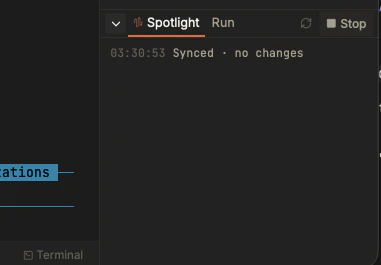
The Spotlight panel: a timestamped, live sync line, with Run and Stop right there.
Run while spotlighted
Running your stack is first-class here, not an afterthought. While a task is spotlighted, the Run button executes your configured run script at the main checkout, in its own tab, as a real Run, not a raw shell you have to drive yourself. And when you switch Spotlight to a different task, Termic stops the old run and restarts it against the new target automatically, so the server you’re testing always tracks the spotlighted task.
(For contrast: Conductor hides Run entirely when its checkpoint mode is on and drops you into a terminal at the repo root to restart things by hand.)
Turning it on
Spotlight is off by default. Enable it per project in Settings → Repository → Scripts & run. Once enabled, start or stop it from a task’s menu in the sidebar, or from the Spotlight tab in the right panel.
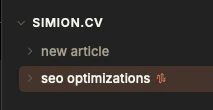
A spotlighted task is marked in the sidebar, so you always know which one is mirrored to the main checkout.
Guardrails
Spotlight has guardrails because it touches your real main checkout:
- Worktree tasks only. Spotlight bridges an isolated worktree back to the main checkout, so it only appears for worktree tasks. It’s hidden for main checkout tasks (already at the root), multi-repo tasks, and non-git tasks, where it has nothing to mirror.
- One task per project can be spotlighted at a time.
- The main checkout must be on a clean branch to start.
- Stopping fully restores the main checkout: it re-attaches your branch and removes the untracked files it copied in.
- Reverts also run on quit, archive and delete, so you don’t end up with a spotlighted state left over.
- Single-repo projects only, for now. Multi-repo Spotlight is a known gap.
Related
- Tasks & worktrees: the isolation Spotlight temporarily bridges.
- Scripts: setup & run: the run script Spotlight executes.
- Migrating from Conductor: checkpoints vs Spotlight, side by side.